Vocabulary AppVocabulary App
Building vocabulary lists out of thousands of words, two panes at a time.数千語の中から語彙リストを組み立てる、二画面の編集ツール。
Challenge課題
Amplify's ELA curriculum draws on a master library of thousands of vocabulary words, and curriculum authors needed to assemble custom word lists from it by hand — cross-checking spreadsheets, retyping definitions, catching duplicates. There was no dependable way to see, at a glance, whether a word being added already existed elsewhere in the system.Amplify の国語教材は、数千語からなる単語のマスターライブラリを持つ。教材担当者は、そこから学年・単元ごとの単語リストを手作業で組み立てていた。表計算ソフトの突き合わせ、定義の打ち直し、重複探し。ある単語がすでに他で使われているか、一目で分かる手段がなかった。
Solution解決
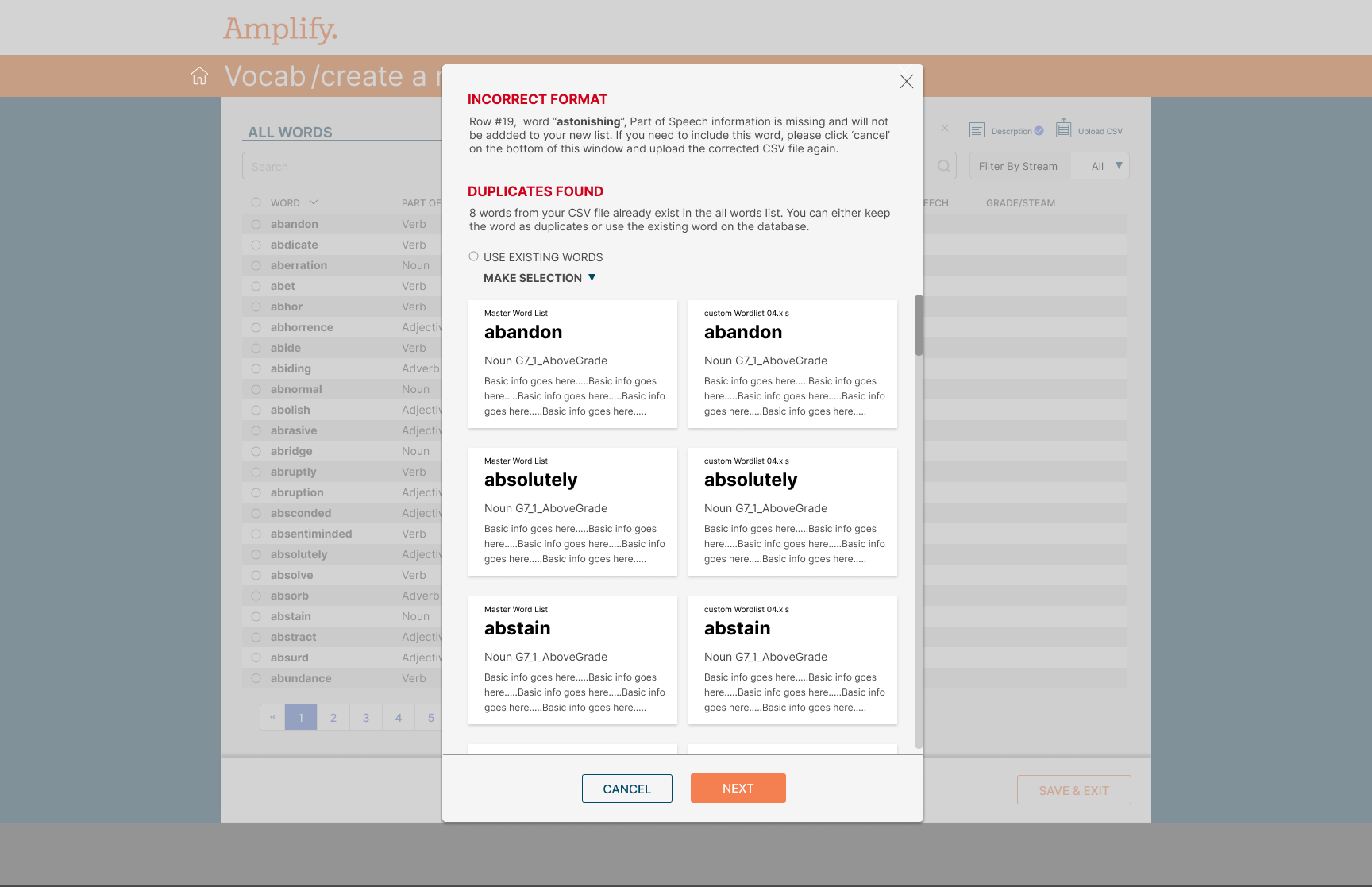
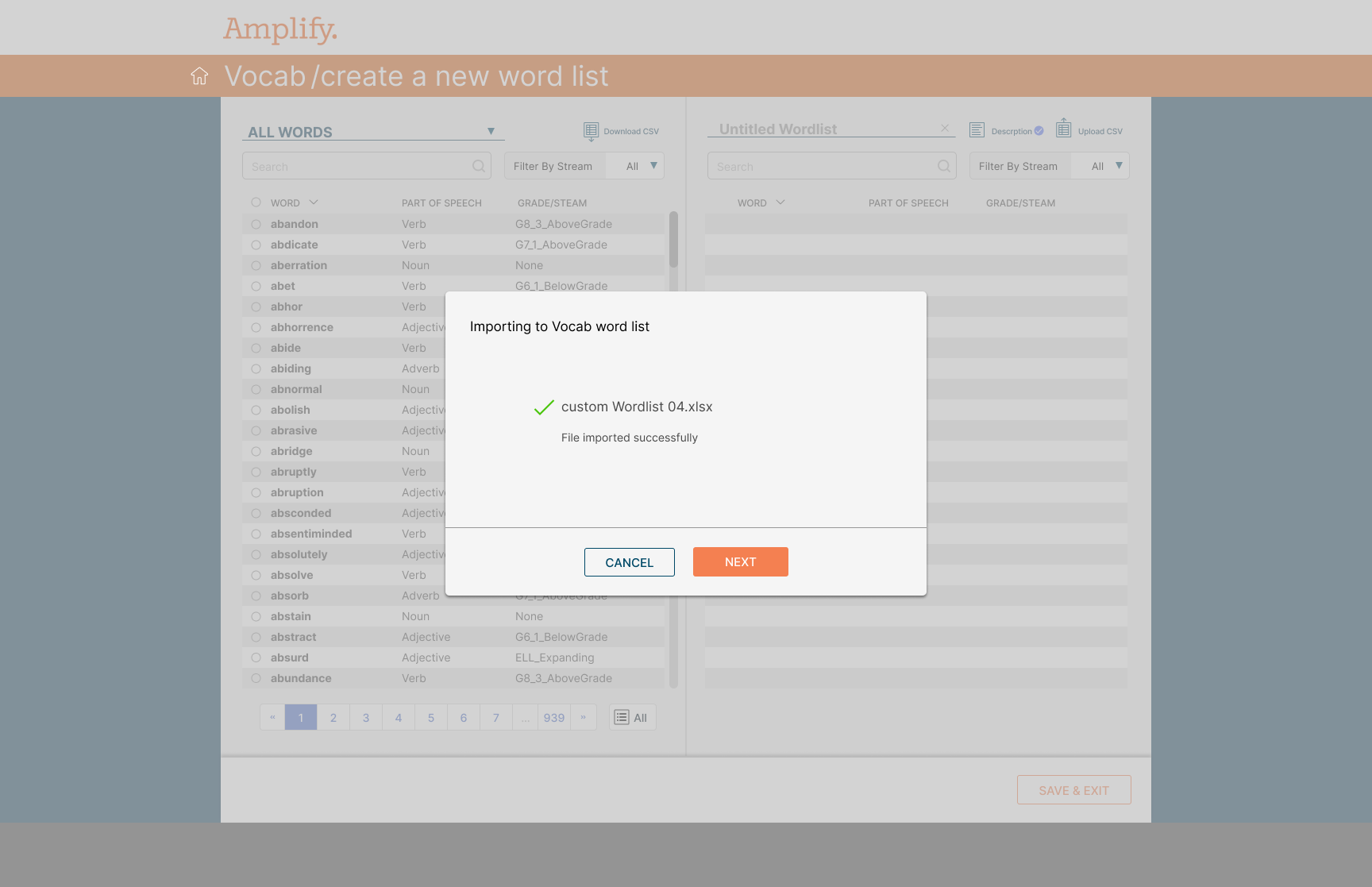
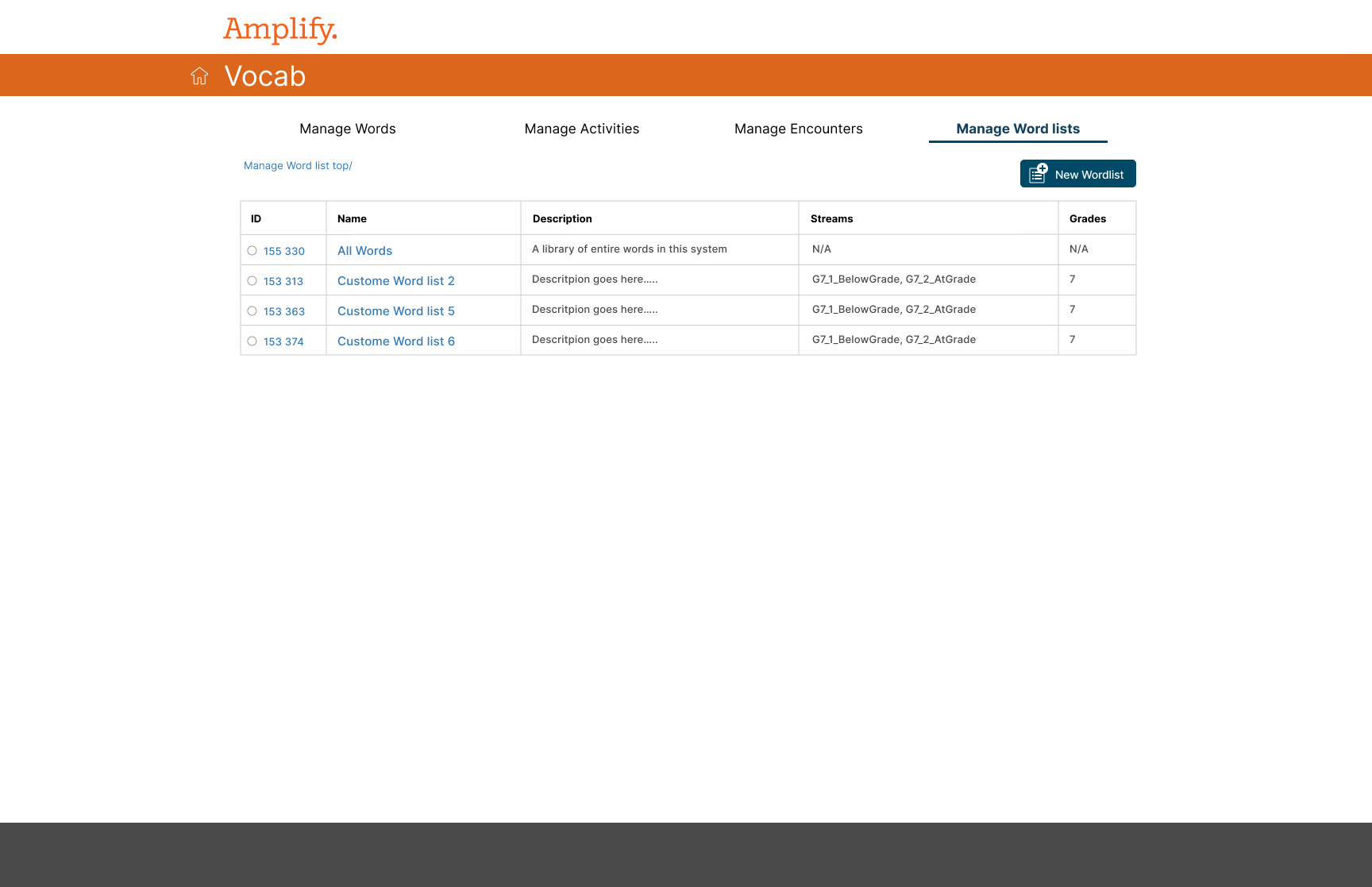
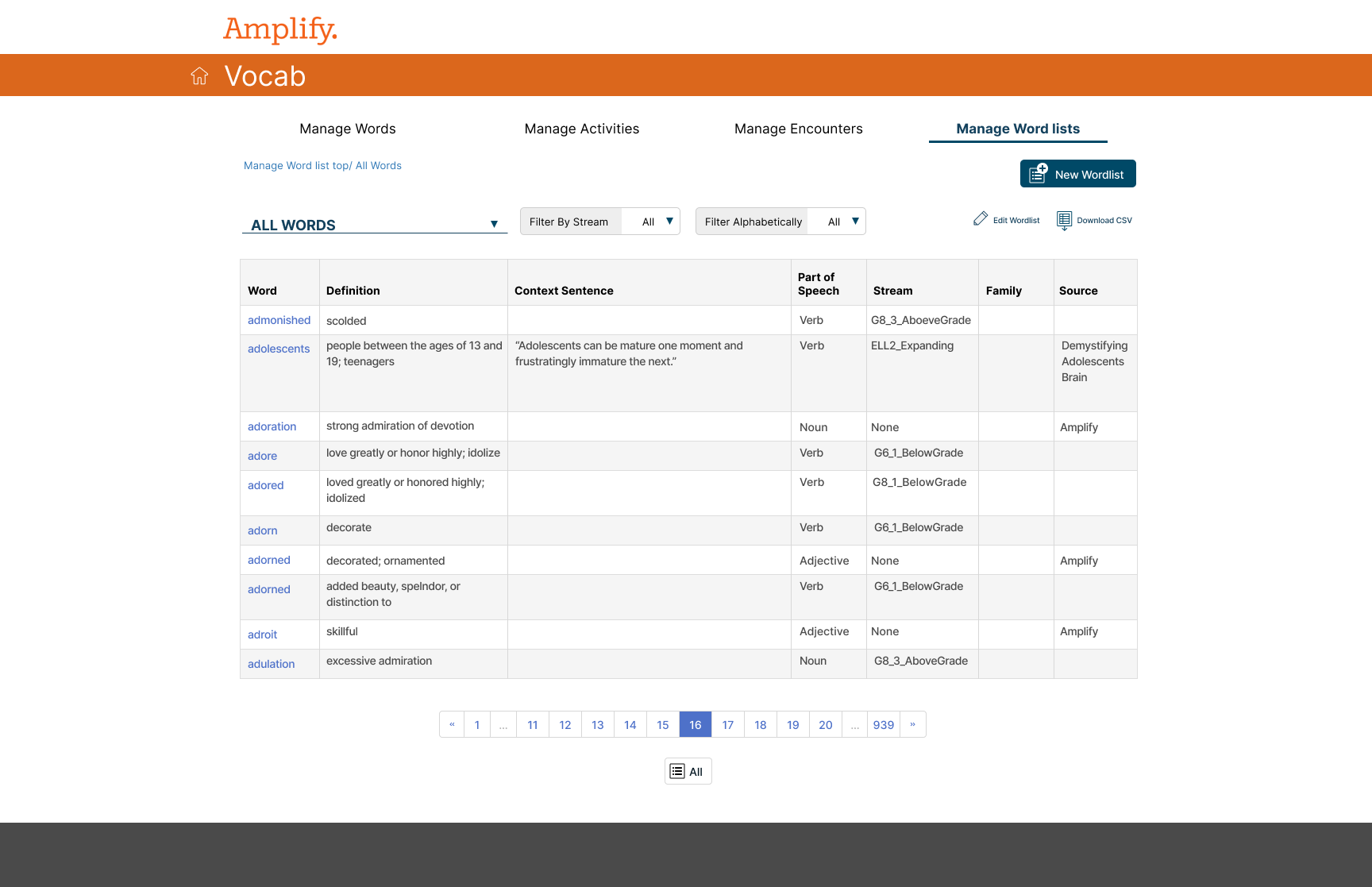
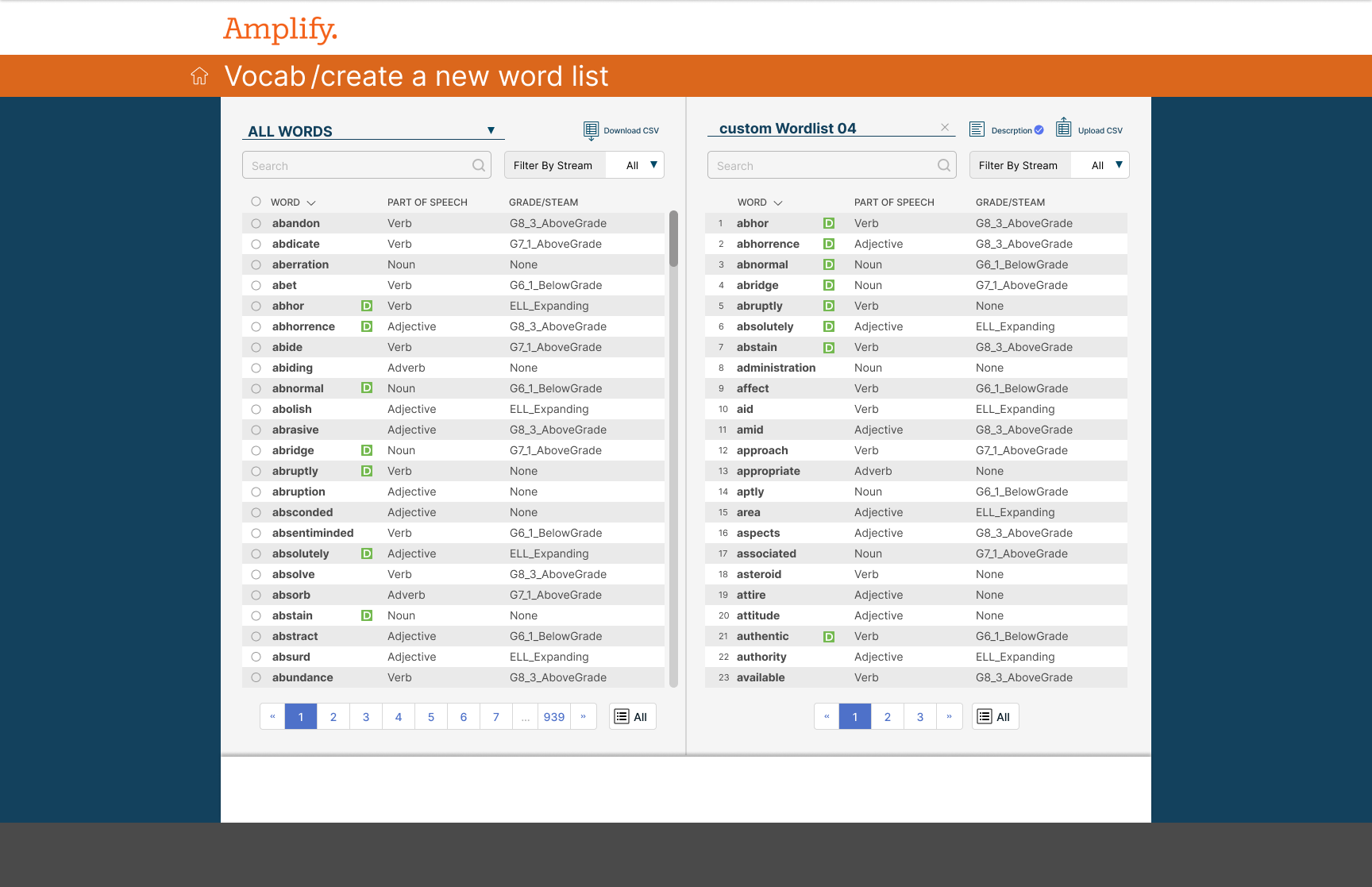
I designed a dual-pane word list manager — the master 'All Words' library on the left, the list being built on the right, both searchable and filterable by stream and grade. Authors could hand-pick words or bulk-import a CSV, and when an import turned up duplicates or malformed rows, the interface surfaced them inline with side-by-side comparison cards before anything was committed.左にマスターの「全単語」ライブラリ、右に作成中のリストを置く、2 ペインの単語リスト管理画面を設計した。どちらも Stream と学年で検索・絞り込みができる。担当者はマスターから手で選ぶことも、CSV で一括取り込むこともできる。取り込みで重複や不備のある行が見つかると、確定前にカード形式で並べて見せる。
Impactインパクト
I designed a dual-pane vocab builder so authors pick words from a master library into lists.著者がマスター語彙からリストを組む二ペインの語彙ビルダーを設計した。
What I handled担当フェーズ
- Researchリサーチ
- Business / Strategyビジネス/戦略
- Conceptコンセプト
- UX / UIUX/UI
- Design Systemデザインシステム
- Prototypeプロトタイプ
- Build実装
- Launch / Growthローンチ/グロース
Two panes make the gap visible 2 つのペインで、抜けを見えるようにする
The master library sits on the left, the list being built sits on the right — both searchable and filterable by stream and grade, so an author can see what exists and what's selected at the same time, instead of holding it in their head across spreadsheets. 左にマスターライブラリ、右に作成中のリストを置いた。どちらも Stream と学年で絞り込める。何があって、何を選んだかを同時に見られるので、複数の表計算ソフトを頭の中で突き合わせる必要がなくなる。
Every import is reviewed before it's committed 取り込みは、確定する前に必ず確認する
A bulk CSV import surfaces duplicates and malformed rows inline, as a side-by-side comparison — this word exists already with one definition, the import has another — so the author decides before the data is committed, not after. CSV の一括取り込みでは、重複や不備のある行をその場で表示する。同じ単語がすでに別の定義で存在する場合、両方を並べて見せる。データが確定する前に、担当者がその場で判断できる。